Creating and Deleting Orders in a Partnership
Learn how to fulfill your creator's orders within your 1-on-1 partnerships. This will also allow you to track the shipment status of the orders that are sent out to your creators.
Note: An Ecommerce store will first need to be connected, with products imported, in order to fulfill orders within the platform.
What You'll Need
An active Partnership.
How to Do It
Check out the sections below to learn how to create and delete orders in a Partnership.
How to Create an Order
1. Click on Program > Partnerships.
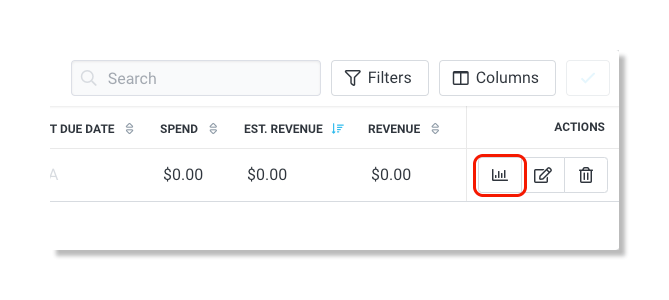
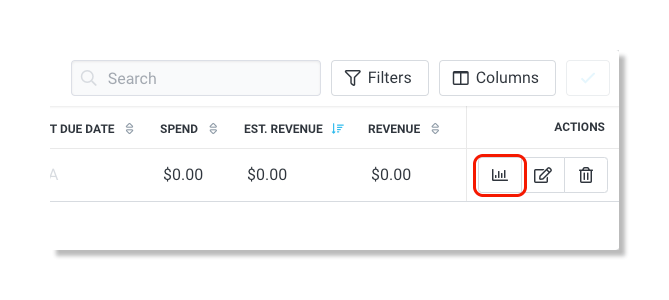
2. Under the Actions column, click on the Manage Partnership icon.
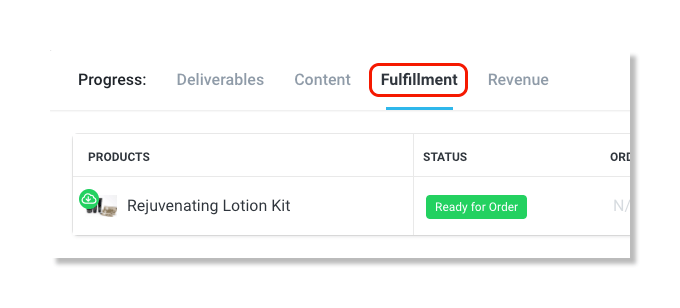
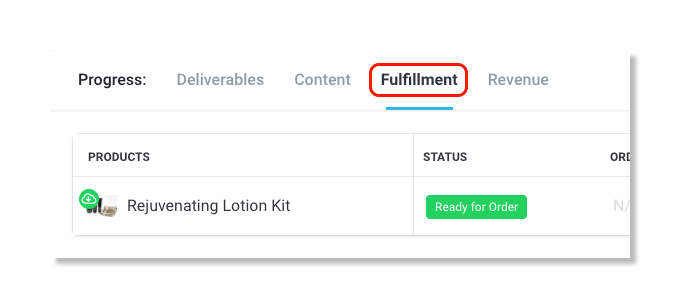
3. In the Progress section, click on Fulfillment.
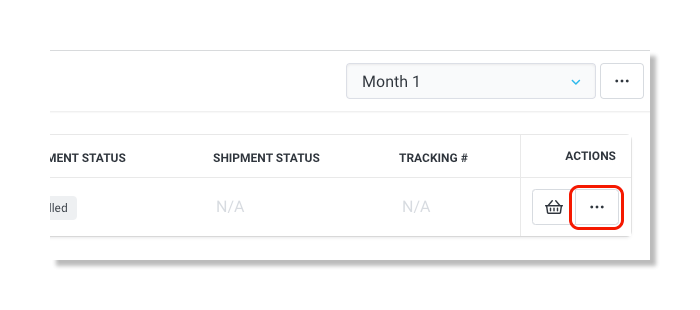
4. In the Actions column, click on the ellipsis icon.
5. Click Create Order.
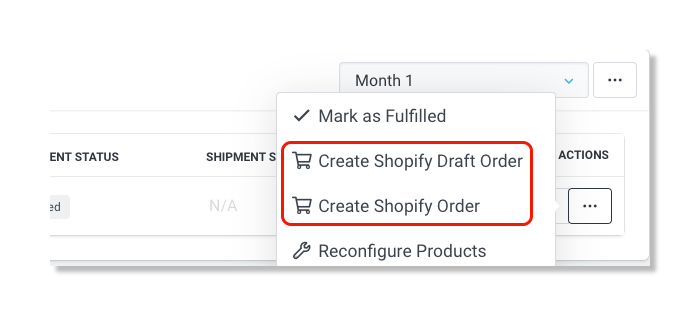
Note: Creating a draft order gives you the ability to add notes or make changes to the order before the final order is created and shipped.
How to Delete an Order
1. Click on Program > Partnerships.
2. Under the Actions column, click on the Manage Partnership icon.
3. In the Progress section, click on Fulfillment.
4. In the Actions column, click on the ellipsis icon.
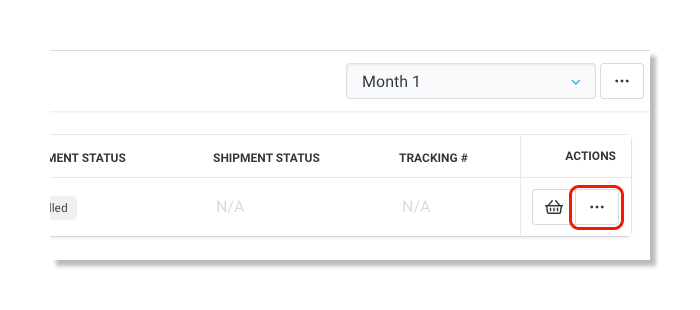
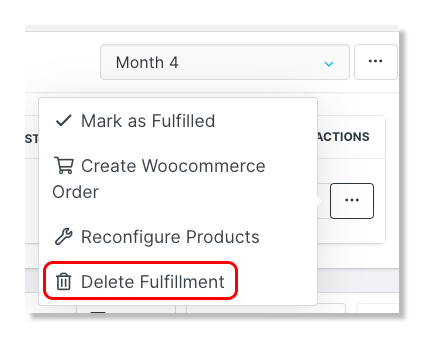
5. Click Delete Fulfillment.