Activating Creators as Affiliates
Overview
Once creators are approved, they can be activated as affiliates by assigning them affiliate links or discount codes.
Steps to Activate Creators
1. Navigate to the approved creators list by clicking on the Approved tab within the Affiliate Hub.
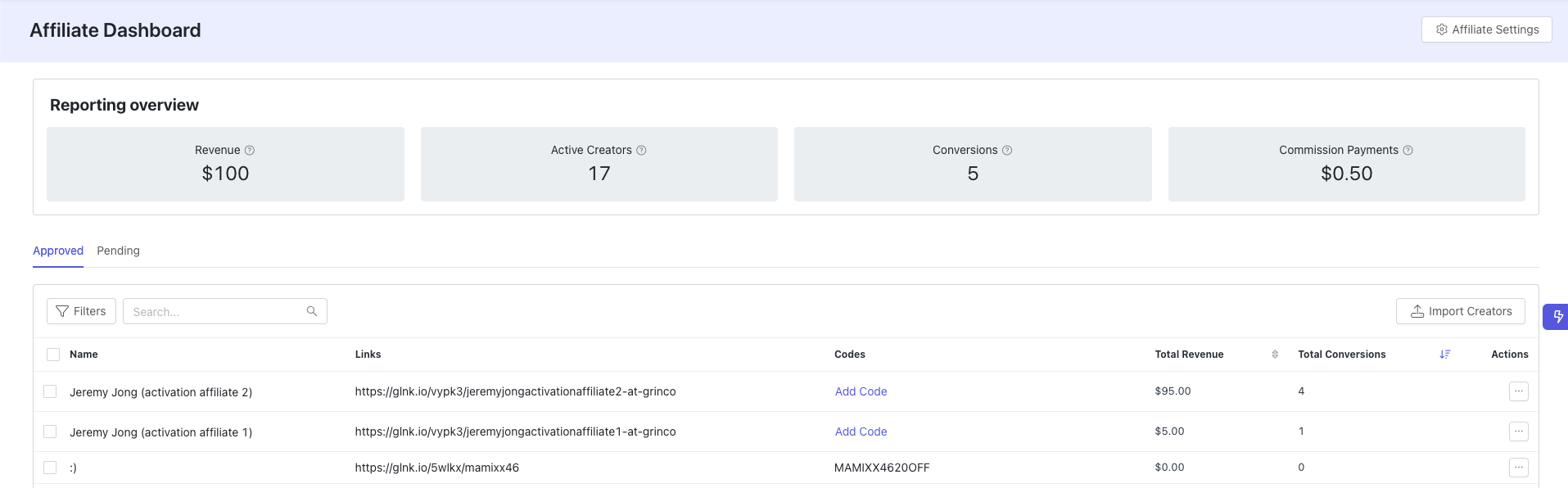
2. Select creators to activate by using the checkboxes.
3. Assign affiliate links or codes by selecting the Add Link or Add Code option.

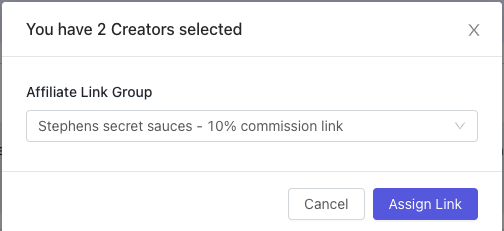
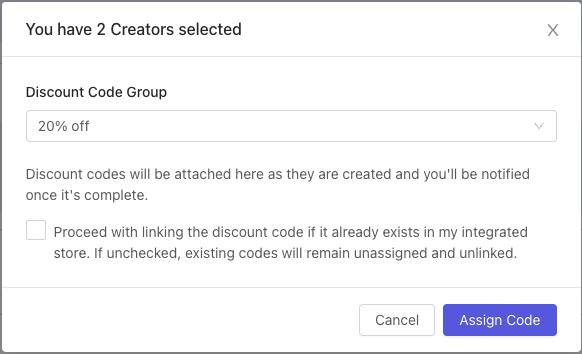
4. Choose the pre-configured link group or discount code group to assign and confirm your selection.
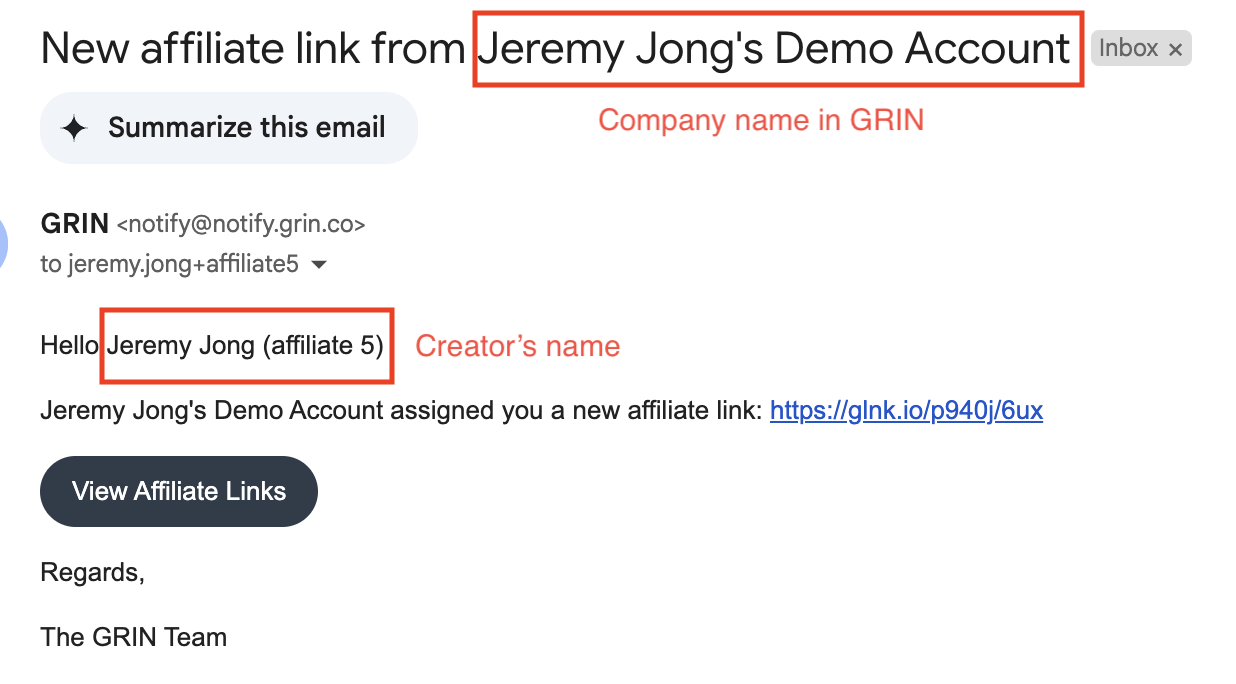
The creators are now activated as affiliates by having a code or link. Creators will also automatically receive an email notification when they have been assigned a link or code through the Affiliate Hub.