Reviewing Affiliate Link and Discount Code Activity
Note: If you joined GRIN on January 23, 2023, or later, Campaigns will not be available for your account and have been replaced by Activations. You can use Activations to manage and organize your creator marketing programs.
For more information, check out our help articles.
What You'll Need
A new or existing Campaign.
At least one link or code conversion recorded in your Campaign.
How to Do It
Providing your creators with affiliate links and/or discount codes gives you the ability to review how much revenue creators are contributing to your campaign. Use the following guide to learn how to review affiliate link page views, unique visitors, and conversions made from the use of affiliate links or discount codes.
1. Click the Program icon and select Campaigns.
2. Click the Campaign Work Room icon.
3. Click on the Links tab.
4. You can then review each creator's Page Views and Unique Visitors.
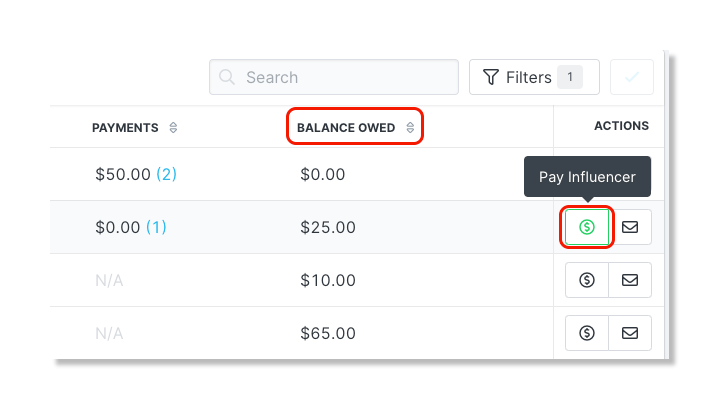
5. Click on the Payments tab.
6. You can review sales made from the use of each creator's affiliate link or discount code.
Note: Commission must be selected as a Compensation Method within the campaign's settings in order to review sales made by affiliate links and discount codes.
7. Pay your creator their owed balance by clicking the dollar icon.