
Integrating with Box
You can integrate with Box so you can sync your creators’ content directly within GRIN. This way, you can quickly and easily export content from your creators and share it with your team to use in your future creator marketing programs!
What You'll Need
An existing Box account
Access to the Box folder you want to sync to
How to Do It
1. Navigate to Account > App Marketplace. This will open the App Marketplace page.
2. Find the Box integration by either:
Searching "Box" in the search bar

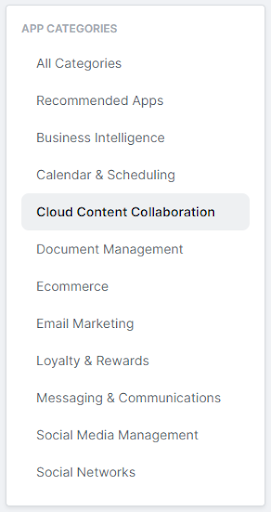
Navigating to the Cloud Content Collaboration app category
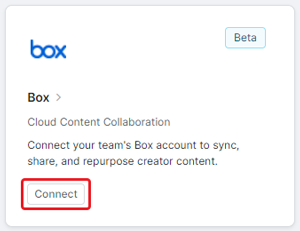
3. Click Connect on the Box app card. This will open a new window to connect to Box.
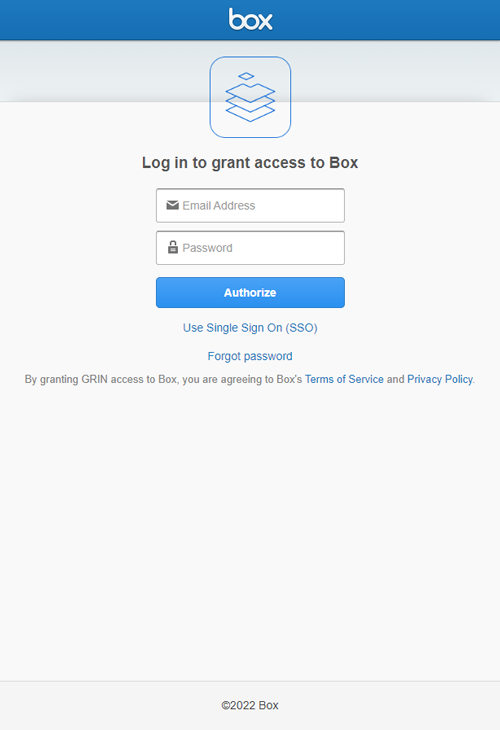
4. Sign in to your Box account.
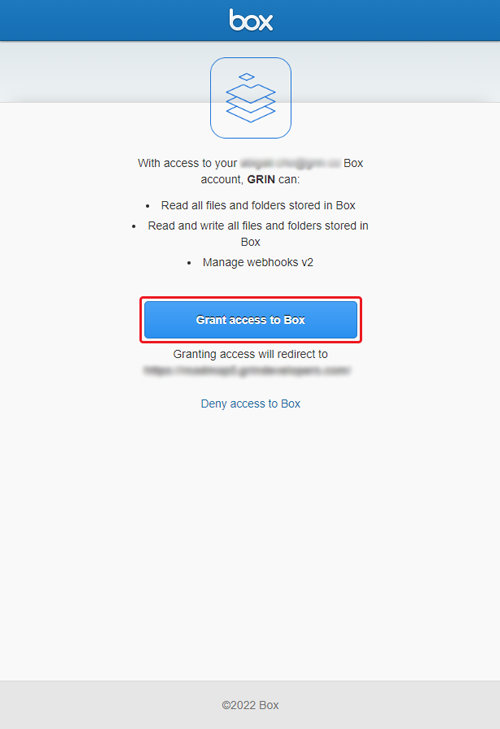
5. If prompted, click Grant access to Box to grant GRIN permission to access your box files and folders.
That’s it! Your Box account should now be integrated with GRIN. Now, you’ll be able to directly sync your creators’ content to your Box at any time and easily share content across your team.