
Disconnecting Social Network Accounts
Overview
If you ever want to disconnect your social network account(s), you can do so from your Live Site.
What You'll Need
A submitted proposal to a brand's program on your Live Site Dashboard. This enables your Networks tab.
At least one connected social network.
How to Do It
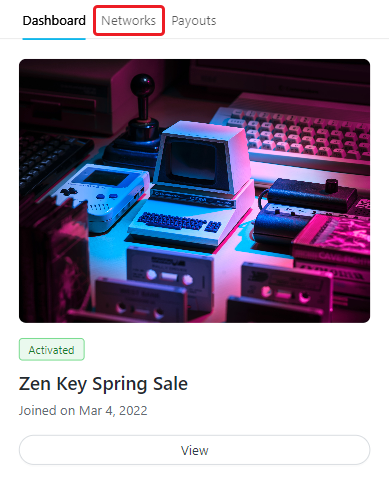
1. Navigate to your Live Site > Networks.
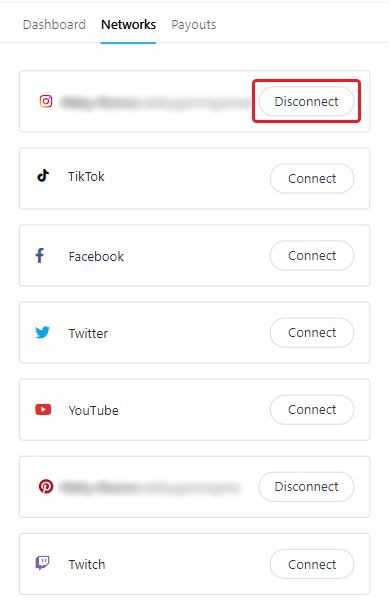
2. Click the Disconnect button next to the network you'd like to disconnect.
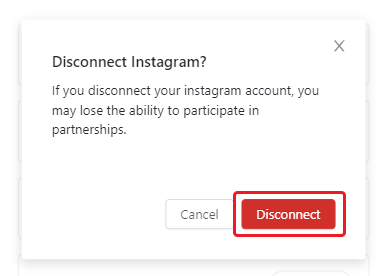
3. Click Disconnect in the pop-up.
Conclusion
That's it! Your social network has now been disconnected.