
Deleting Your Payment Method
Overview
If you ever want to delete a payment method, you can do so from your Payment Methods window.
Note: If you delete a payment method, you won’t be able to recover it. Make sure you’ve selected the right payment method to delete.
What You'll Need
An existing payment method.
A Brand Admin role.
How to Do It
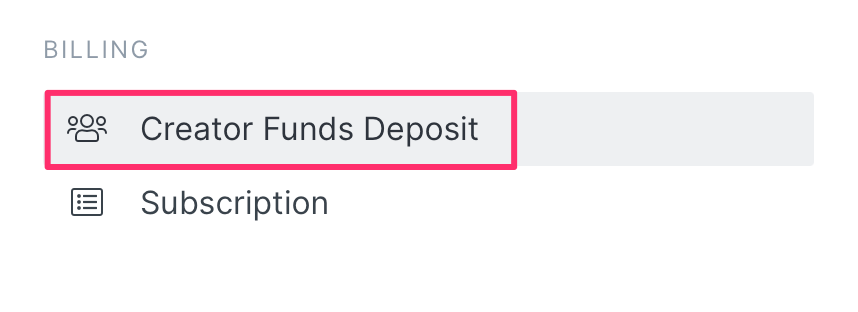
1. Navigate to Account > Settings > Creator Pay Deposit, then click on Deposit Funds.
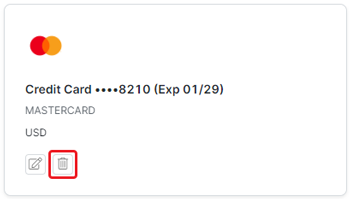
2. Click the Delete button underneath the payment method you want to delete. This will open the Remove this payment method? modal.
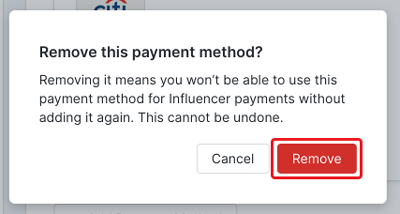
3. Click Remove.
Conclusion
That’s it! You should receive a confirmation message at the top of your screen that says Payment method removed, and your payment method should also be gone from your Payment Methods as well.